How Cynoia helps remote teams stay connected and productive
•
Technology

Managing remote teams is no easy task. Conversations get scattered across different apps, projects lose momentum because of unclear priorities, and switching between tools becomes a waist of time. If you have ever faced this chaos, you know how frustrating it can be to keep everyone on the same page. Cynoia, however, is here to change the game. It is an all-in-one platform that simplifies collaboration and communication for remote teams with features designed to centralise work, cut out distractions and boost productivity. Here is how Cynoia helps remote teams stay connected and thrive.
The challenges of remote work
Remote teams often face these challenges:
Scattered communication: Conversations split between emails, chats and calls lead to confusion and missed details.
Tool fatigue: Shifting between multiple platforms for tasks, communication and file sharing drains productivity.
Lack of alignment: Without a shared workspace, it is hard to track who is working on what, or progress on a project.
These issues do not just waste time, they also create friction between team members. Cynoia solves this by offering a unified, clutter-free workspace tailored to the needs of remote work.
Why Cynoia Is Perfect for Remote Teams
Cynoia is designed to be the only platform your remote team needs to manage projects, communicate effectively, and stay in sync. Let's explore its key features and how they make remote work seamless:
1. Centralized Task Management with the Projects App
The Projects App is your go-to for managing tasks and projects in a way that keeps everyone on track.
Create and manage projects with clear visibility for all team members.
Assign tasks with deadlines, priorities, and customizable labels to ensure clarity.
Use Kanban views or lists to visually organize workflows.
Archive completed projects to keep your active workspace tidy.
Why this works for remote teams: Everyone knows their responsibilities and can track progress without constant updates.
2. Real-Time Communication with the Chat App
The Chat App brings team conversations into one place, making communication efficient and organized.
Create topic-specific channels to target discussions.
Send direct messages to teammates for quick clarifications.
Share files in discussions to keep everything in context.
Search through chat history to quickly find past conversations or shared documents.
Why this works for remote teams: It eliminates the need for external chat tools, reducing tool fatigue and keeping all communication on one platform.
3. Smooth Video Calls for Virtual Meetings
The Video Call App from Cynoia ensures that team discussions can happen face-to-face, even remotely.
Start or schedule video calls directly from the workspace.
Share your screen for presentations or real-time collaboration.
Use dedicated video call rooms with capacity based on your plan (e.g., 10 users in the Community Plan).
Why this works for remote teams: No need to switch to Zoom or Google Meet – meetings happen directly in Cynoia, saving time and effort.
4. Shared Documentation with the Notes App
The Notes App lets your team collaborate on ideas, documents, and knowledge bases in real time.
Create, edit, and share notes within your workspace.
Organize notes into collections for easy access.
Use public sharing options (Pro Team plans) to distribute documents externally if needed.
Why this works for remote teams: It keeps your team's knowledge centralized, so no one is left out of the loop.
5. Integrated Calendar for Scheduling and Deadlines
With the Calendar App, you can track meetings, deadlines, and events without needing an external tool.
Schedule team meetings or individual tasks.
Sync with external calendars (Pro Team plans) for seamless integration.
Avoid conflicts with shared visibility of team schedules.
Why this works for remote teams: It ensures everyone stays on top of their commitments without juggling multiple calendars.
Write here
Search
Recent articles:

The 8 Best Team Collaboration Tools for African Businesses (2026)
Les 8 meilleurs outils de collaboration pour les entreprises africaines (2026)
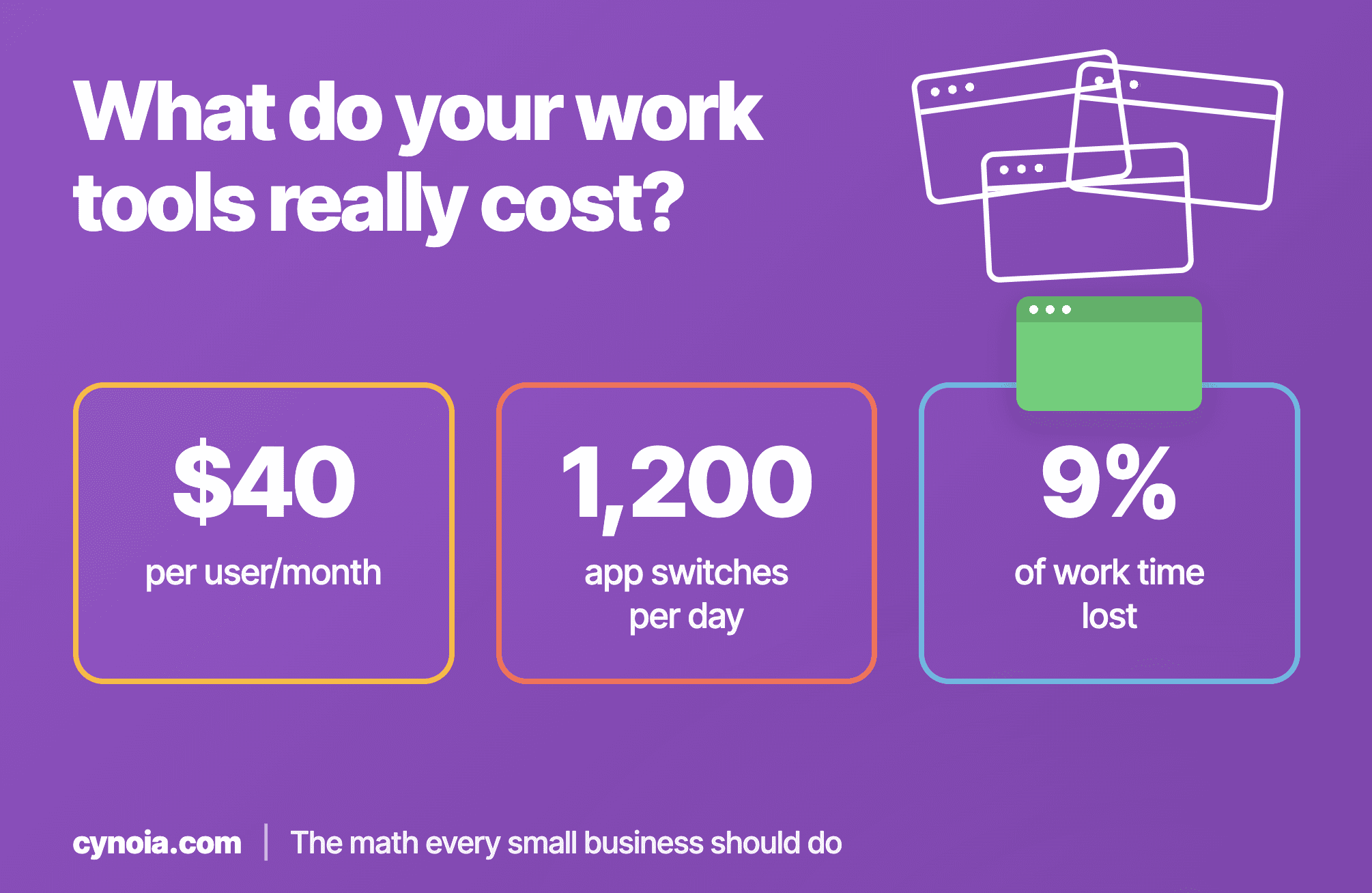
What Do Your Work Tools Really Cost? The Math Every Small Business Should Do
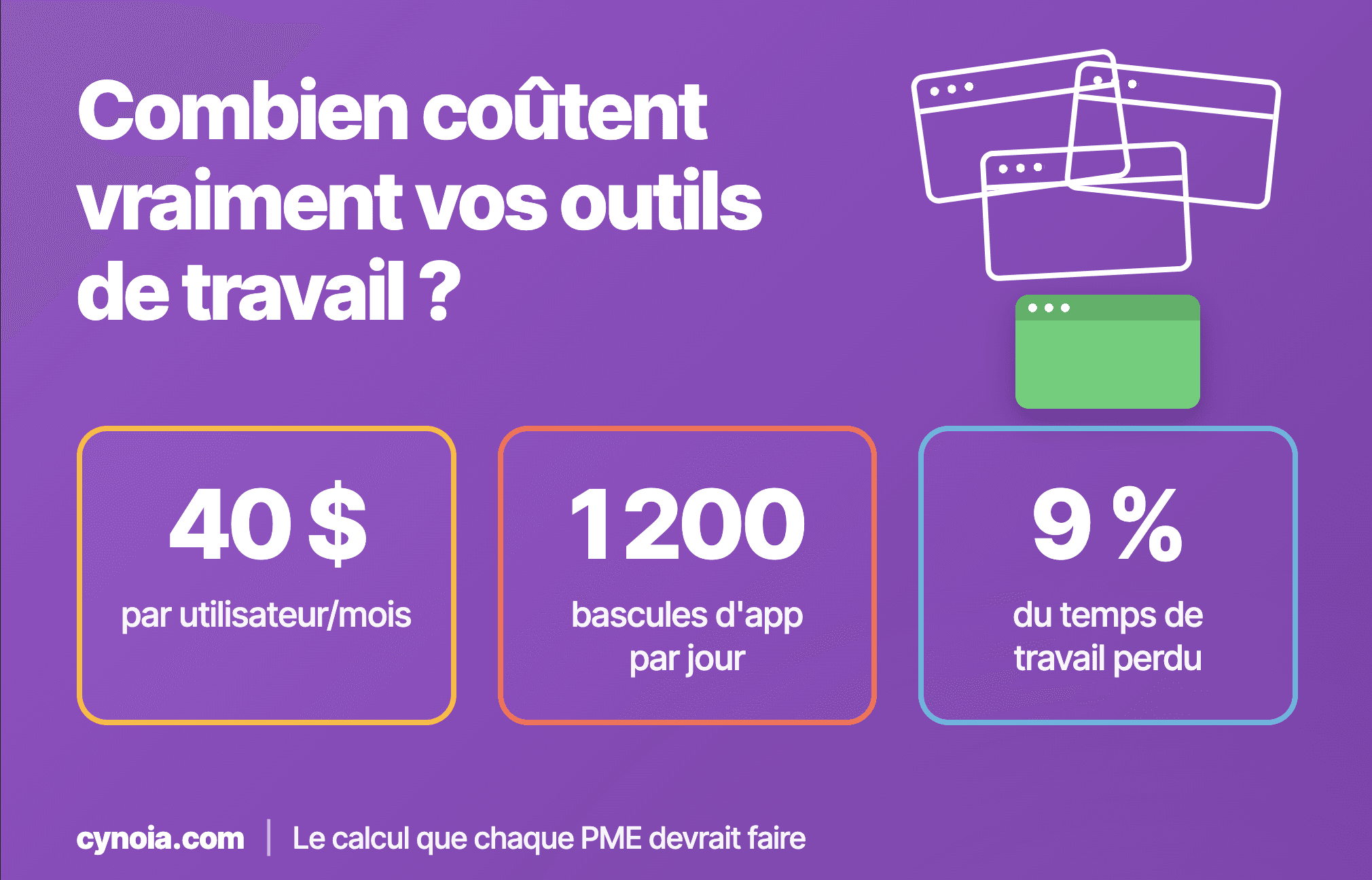
Combien coûtent vraiment vos outils de travail ? Le calcul que chaque PME devrait faire
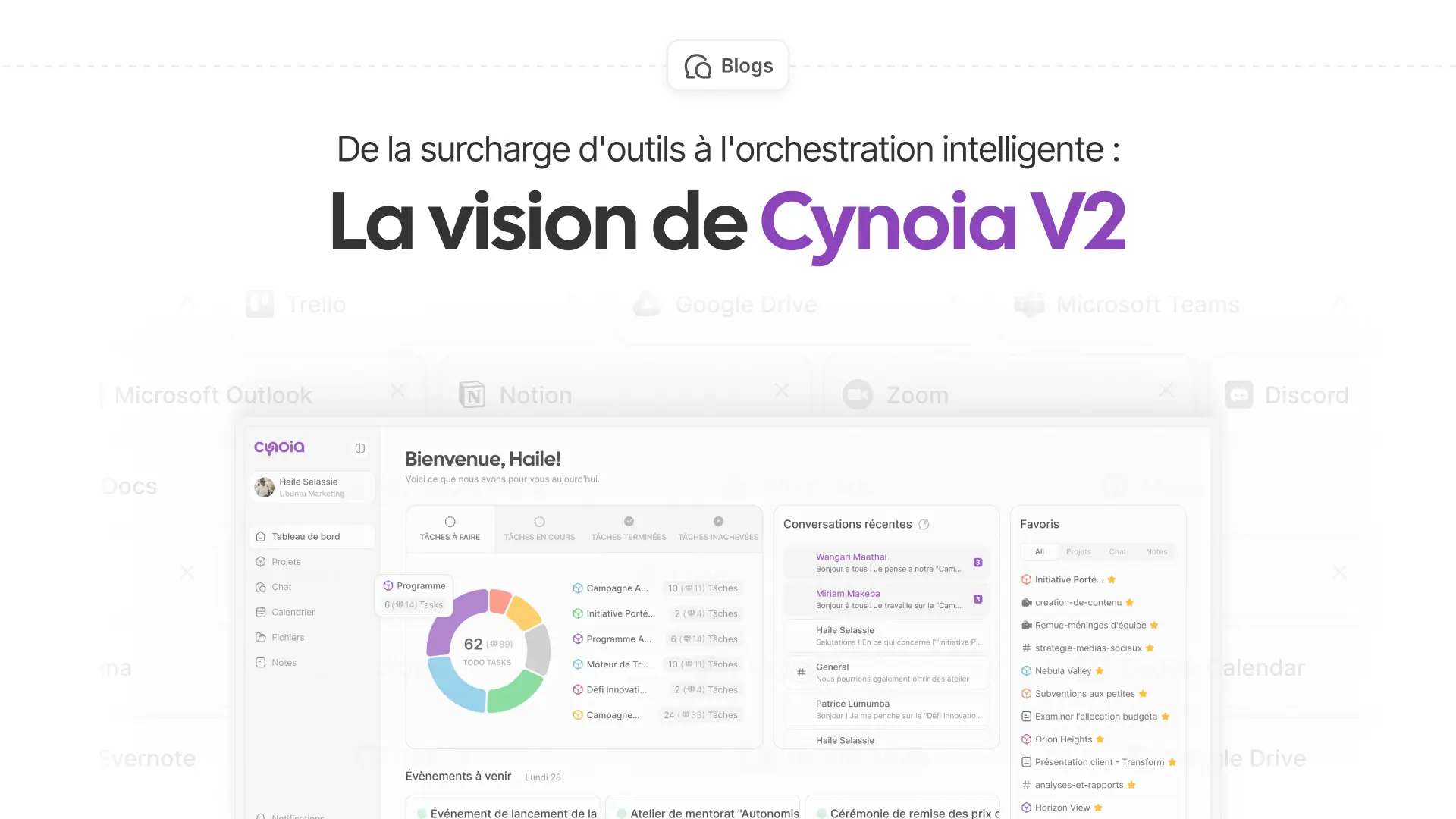
From tool overload to smart orchestration: the Cynoia V2 vision
How Cynoia helps remote teams stay connected and productive
•
Technology
Managing remote teams is no easy task. Conversations get scattered across different apps, projects lose momentum because of unclear priorities, and switching between tools becomes a waist of time. If you have ever faced this chaos, you know how frustrating it can be to keep everyone on the same page. Cynoia, however, is here to change the game. It is an all-in-one platform that simplifies collaboration and communication for remote teams with features designed to centralise work, cut out distractions and boost productivity. Here is how Cynoia helps remote teams stay connected and thrive.
The challenges of remote work
Remote teams often face these challenges:
Scattered communication: Conversations split between emails, chats and calls lead to confusion and missed details.
Tool fatigue: Shifting between multiple platforms for tasks, communication and file sharing drains productivity.
Lack of alignment: Without a shared workspace, it is hard to track who is working on what, or progress on a project.
These issues do not just waste time, they also create friction between team members. Cynoia solves this by offering a unified, clutter-free workspace tailored to the needs of remote work.
Why Cynoia Is Perfect for Remote Teams
Cynoia is designed to be the only platform your remote team needs to manage projects, communicate effectively, and stay in sync. Let's explore its key features and how they make remote work seamless:
1. Centralized Task Management with the Projects App
The Projects App is your go-to for managing tasks and projects in a way that keeps everyone on track.
Create and manage projects with clear visibility for all team members.
Assign tasks with deadlines, priorities, and customizable labels to ensure clarity.
Use Kanban views or lists to visually organize workflows.
Archive completed projects to keep your active workspace tidy.
Why this works for remote teams: Everyone knows their responsibilities and can track progress without constant updates.
2. Real-Time Communication with the Chat App
The Chat App brings team conversations into one place, making communication efficient and organized.
Create topic-specific channels to target discussions.
Send direct messages to teammates for quick clarifications.
Share files in discussions to keep everything in context.
Search through chat history to quickly find past conversations or shared documents.
Why this works for remote teams: It eliminates the need for external chat tools, reducing tool fatigue and keeping all communication on one platform.
3. Smooth Video Calls for Virtual Meetings
The Video Call App from Cynoia ensures that team discussions can happen face-to-face, even remotely.
Start or schedule video calls directly from the workspace.
Share your screen for presentations or real-time collaboration.
Use dedicated video call rooms with capacity based on your plan (e.g., 10 users in the Community Plan).
Why this works for remote teams: No need to switch to Zoom or Google Meet – meetings happen directly in Cynoia, saving time and effort.
4. Shared Documentation with the Notes App
The Notes App lets your team collaborate on ideas, documents, and knowledge bases in real time.
Create, edit, and share notes within your workspace.
Organize notes into collections for easy access.
Use public sharing options (Pro Team plans) to distribute documents externally if needed.
Why this works for remote teams: It keeps your team's knowledge centralized, so no one is left out of the loop.
5. Integrated Calendar for Scheduling and Deadlines
With the Calendar App, you can track meetings, deadlines, and events without needing an external tool.
Schedule team meetings or individual tasks.
Sync with external calendars (Pro Team plans) for seamless integration.
Avoid conflicts with shared visibility of team schedules.
Why this works for remote teams: It ensures everyone stays on top of their commitments without juggling multiple calendars.
Write here
Search
Recent articles:
The 8 Best Team Collaboration Tools for African Businesses (2026)
Les 8 meilleurs outils de collaboration pour les entreprises africaines (2026)
What Do Your Work Tools Really Cost? The Math Every Small Business Should Do
Combien coûtent vraiment vos outils de travail ? Le calcul que chaque PME devrait faire
From tool overload to smart orchestration: the Cynoia V2 vision
How Cynoia helps remote teams stay connected and productive
•
Technology
Managing remote teams is no easy task. Conversations get scattered across different apps, projects lose momentum because of unclear priorities, and switching between tools becomes a waist of time. If you have ever faced this chaos, you know how frustrating it can be to keep everyone on the same page. Cynoia, however, is here to change the game. It is an all-in-one platform that simplifies collaboration and communication for remote teams with features designed to centralise work, cut out distractions and boost productivity. Here is how Cynoia helps remote teams stay connected and thrive.
The challenges of remote work
Remote teams often face these challenges:
Scattered communication: Conversations split between emails, chats and calls lead to confusion and missed details.
Tool fatigue: Shifting between multiple platforms for tasks, communication and file sharing drains productivity.
Lack of alignment: Without a shared workspace, it is hard to track who is working on what, or progress on a project.
These issues do not just waste time, they also create friction between team members. Cynoia solves this by offering a unified, clutter-free workspace tailored to the needs of remote work.
Why Cynoia Is Perfect for Remote Teams
Cynoia is designed to be the only platform your remote team needs to manage projects, communicate effectively, and stay in sync. Let's explore its key features and how they make remote work seamless:
1. Centralized Task Management with the Projects App
The Projects App is your go-to for managing tasks and projects in a way that keeps everyone on track.
Create and manage projects with clear visibility for all team members.
Assign tasks with deadlines, priorities, and customizable labels to ensure clarity.
Use Kanban views or lists to visually organize workflows.
Archive completed projects to keep your active workspace tidy.
Why this works for remote teams: Everyone knows their responsibilities and can track progress without constant updates.
2. Real-Time Communication with the Chat App
The Chat App brings team conversations into one place, making communication efficient and organized.
Create topic-specific channels to target discussions.
Send direct messages to teammates for quick clarifications.
Share files in discussions to keep everything in context.
Search through chat history to quickly find past conversations or shared documents.
Why this works for remote teams: It eliminates the need for external chat tools, reducing tool fatigue and keeping all communication on one platform.
3. Smooth Video Calls for Virtual Meetings
The Video Call App from Cynoia ensures that team discussions can happen face-to-face, even remotely.
Start or schedule video calls directly from the workspace.
Share your screen for presentations or real-time collaboration.
Use dedicated video call rooms with capacity based on your plan (e.g., 10 users in the Community Plan).
Why this works for remote teams: No need to switch to Zoom or Google Meet – meetings happen directly in Cynoia, saving time and effort.
4. Shared Documentation with the Notes App
The Notes App lets your team collaborate on ideas, documents, and knowledge bases in real time.
Create, edit, and share notes within your workspace.
Organize notes into collections for easy access.
Use public sharing options (Pro Team plans) to distribute documents externally if needed.
Why this works for remote teams: It keeps your team's knowledge centralized, so no one is left out of the loop.
5. Integrated Calendar for Scheduling and Deadlines
With the Calendar App, you can track meetings, deadlines, and events without needing an external tool.
Schedule team meetings or individual tasks.
Sync with external calendars (Pro Team plans) for seamless integration.
Avoid conflicts with shared visibility of team schedules.
Why this works for remote teams: It ensures everyone stays on top of their commitments without juggling multiple calendars.
Write here
Search
Recent articles:
The 8 Best Team Collaboration Tools for African Businesses (2026)
Les 8 meilleurs outils de collaboration pour les entreprises africaines (2026)
What Do Your Work Tools Really Cost? The Math Every Small Business Should Do
Combien coûtent vraiment vos outils de travail ? Le calcul que chaque PME devrait faire
From tool overload to smart orchestration: the Cynoia V2 vision
Latest posts
Discover other posts in our blog
Simplify your projects today for free
No credit card · 14-day unlimited free trial · 10 free users forever
Simplify your projects today for free
No credit card · 14-day unlimited free trial · 10 free users forever
Simplify your projects today for free
No credit card · 14-day unlimited free trial · 10 free users forever