How to organize your entire team's work with Cynoia Projects App
•
Tools
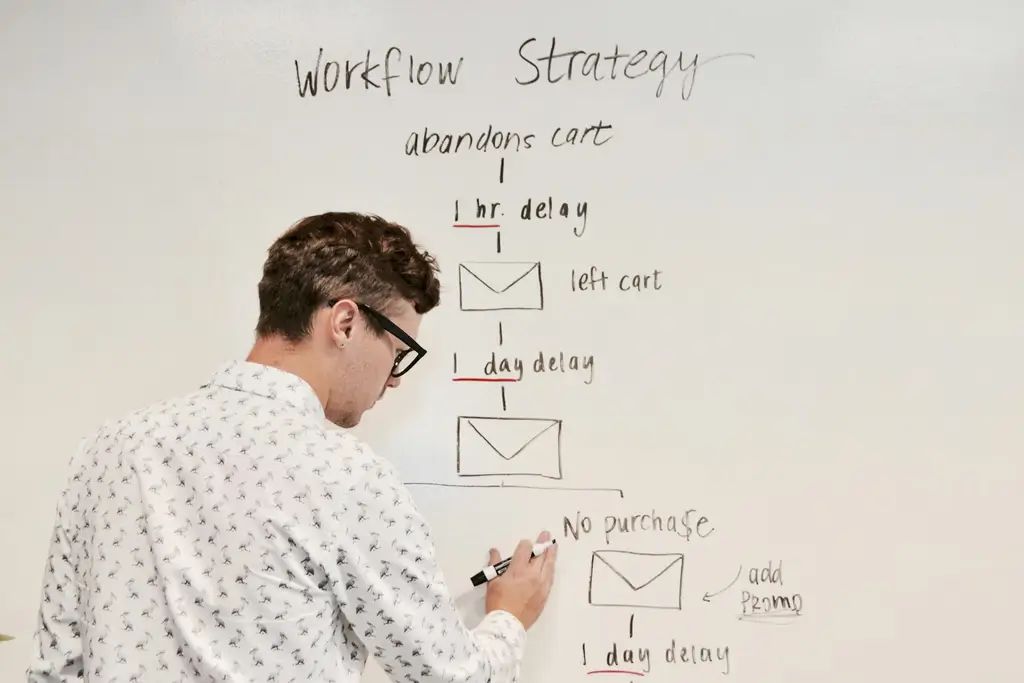
Organising your team's work can quickly become a headache when tasks are scattered, priorities are unclear, and everyone is unsure about what to focus on. Does that sound familiar? Many teams struggle to keep projects on track because they're juggling too many tools or relying on clunky systems that don't fit their needs. That's why Cynoia's Project App is a real game changer. It's designed to help teams streamline workflows, prioritise tasks, and deliver projects efficiently – all on an intuitive platform. Whether you're managing a small team or tackling multiple projects at once, the Project App provides everything you need to stay organised and aligned. Here's how Cynoia's Project App can help you organise your team's work, track progress, and achieve your goals with clarity and focus.
The problem: Disorganised workflows hurt productivity
Disorganisation in project management often leads to:
Missed deadlines: When tasks are not clearly assigned or prioritised, things slip through the cracks.
Team misalignment: Without a centralised workspace, team members can be uncertain of their roles or responsibilities.
Time wasted: Scattered tools and fuzzy communication make it harder to focus on actual work.
With Cynoia's Project App, your team gets a centralised hub to manage tasks, track progress, and stay on the same page.
Why Cynoia's Project App is different
The Project App strikes the perfect balance between simplicity and functionality. It's easy to use, yet powerful enough to handle the complexities of team collaboration. Here's what sets it apart:
Multiple views: Choose from Kanban boards, list views, or backlog views to organise tasks in a way that works for your team.
Customisable workflows: Use labels, columns, and points to tailor the workspace to your project's unique needs.
Powerful sorting and filtering: Quickly find tasks or projects based on criteria like priority, due date, or assignee.
Real-time updates: Keep everyone informed with clear visibility on who is doing what and where tasks stand.
Cynoia's user-friendly design ensures your team can start using it right away – no complicated onboarding necessary.
How to organise your work with the Project App
Let's break down how you can use Cynoia's Project App to organise your team's work step by step:
1. Create a project and set its objective
Every successful project starts with a clear goal. In Cynoia, you can create a new project in just a few clicks.
Go to the Project App and click on Create Project.
Name the project and add a description to define its objectives.
Customise the project icon and colour for easy identification.
Handy tip: Use project descriptions to provide context to your team, so everyone understands the project's goals.
2. Customise your workflow
One of the best features of Cynoia's Project App is the ability to tailor workflows to your needs.
Use labels to categorise tasks (e.g., Marketing)
Write here
Search
Recent articles:

The 8 Best Team Collaboration Tools for African Businesses (2026)
Les 8 meilleurs outils de collaboration pour les entreprises africaines (2026)
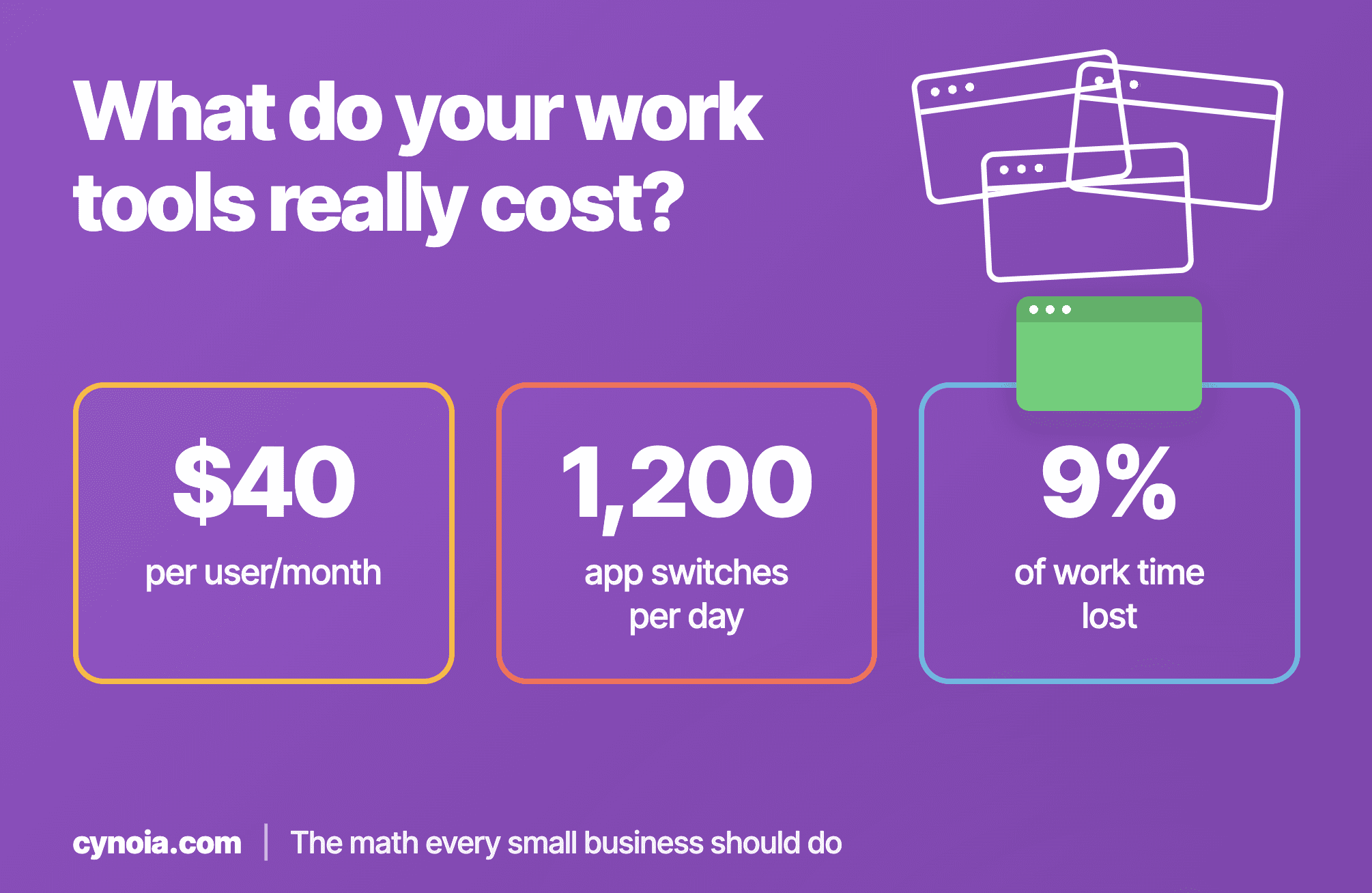
What Do Your Work Tools Really Cost? The Math Every Small Business Should Do
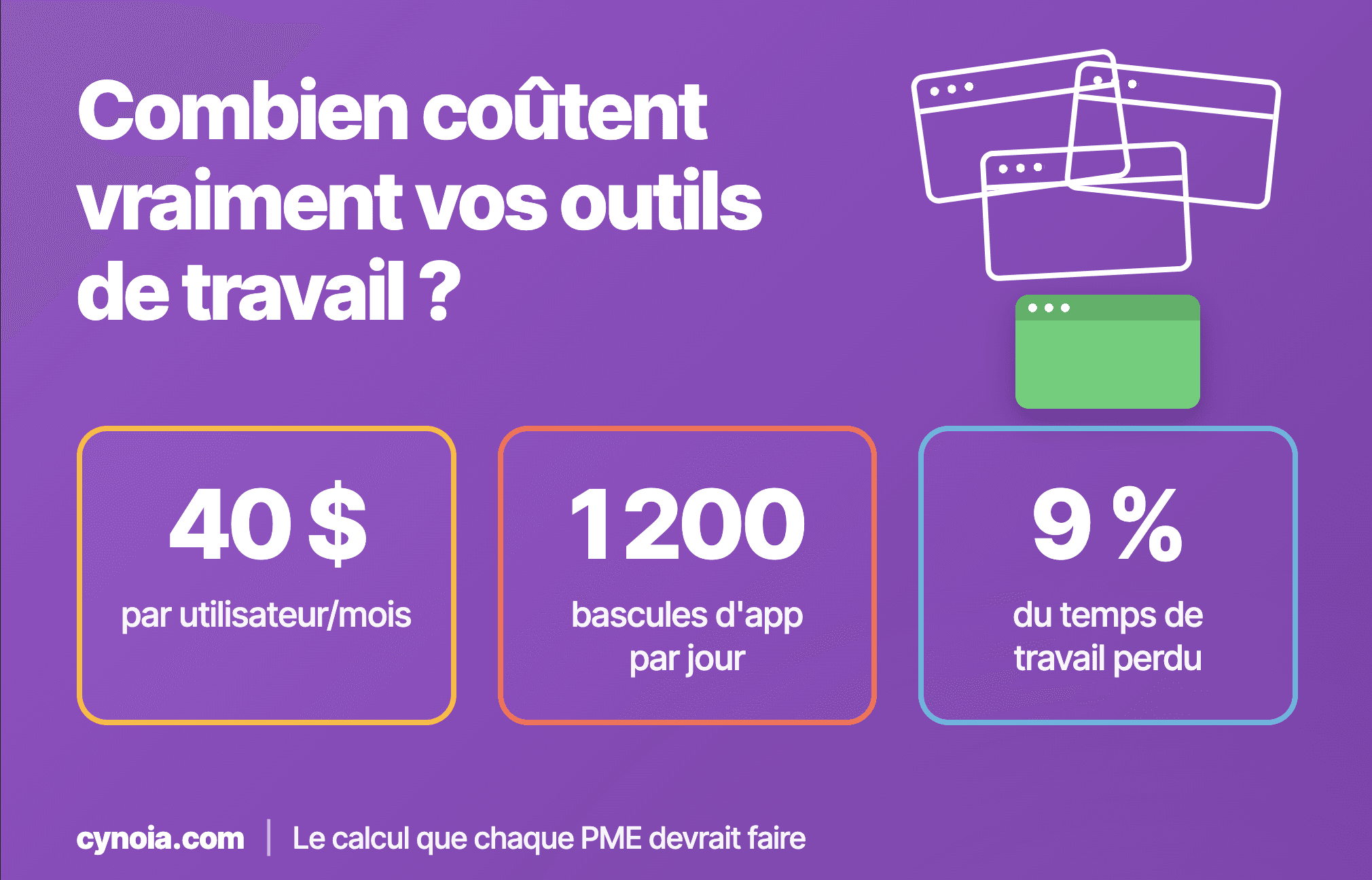
Combien coûtent vraiment vos outils de travail ? Le calcul que chaque PME devrait faire
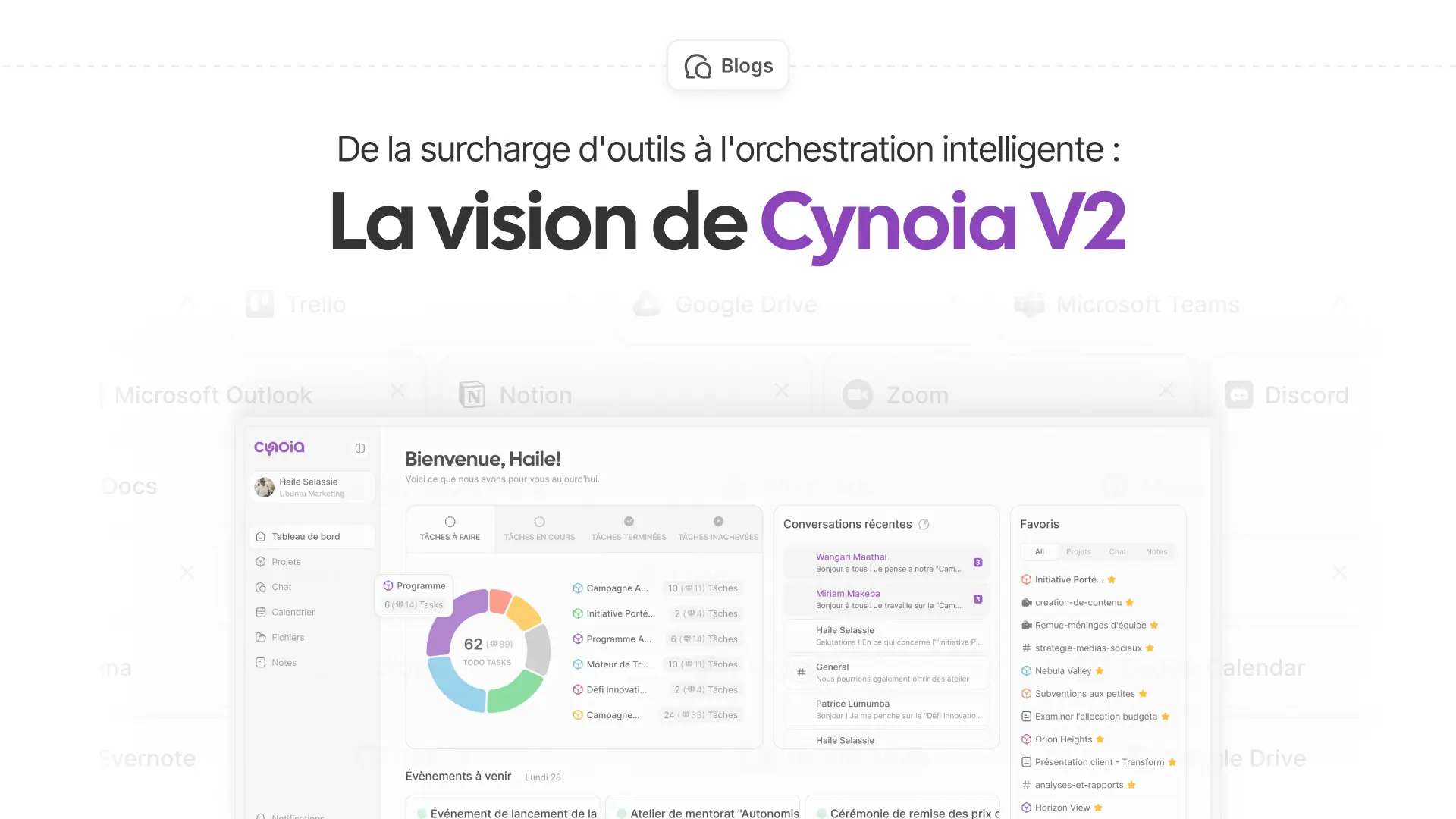
From tool overload to smart orchestration: the Cynoia V2 vision
How to organize your entire team's work with Cynoia Projects App
•
Tools
Organising your team's work can quickly become a headache when tasks are scattered, priorities are unclear, and everyone is unsure about what to focus on. Does that sound familiar? Many teams struggle to keep projects on track because they're juggling too many tools or relying on clunky systems that don't fit their needs. That's why Cynoia's Project App is a real game changer. It's designed to help teams streamline workflows, prioritise tasks, and deliver projects efficiently – all on an intuitive platform. Whether you're managing a small team or tackling multiple projects at once, the Project App provides everything you need to stay organised and aligned. Here's how Cynoia's Project App can help you organise your team's work, track progress, and achieve your goals with clarity and focus.
The problem: Disorganised workflows hurt productivity
Disorganisation in project management often leads to:
Missed deadlines: When tasks are not clearly assigned or prioritised, things slip through the cracks.
Team misalignment: Without a centralised workspace, team members can be uncertain of their roles or responsibilities.
Time wasted: Scattered tools and fuzzy communication make it harder to focus on actual work.
With Cynoia's Project App, your team gets a centralised hub to manage tasks, track progress, and stay on the same page.
Why Cynoia's Project App is different
The Project App strikes the perfect balance between simplicity and functionality. It's easy to use, yet powerful enough to handle the complexities of team collaboration. Here's what sets it apart:
Multiple views: Choose from Kanban boards, list views, or backlog views to organise tasks in a way that works for your team.
Customisable workflows: Use labels, columns, and points to tailor the workspace to your project's unique needs.
Powerful sorting and filtering: Quickly find tasks or projects based on criteria like priority, due date, or assignee.
Real-time updates: Keep everyone informed with clear visibility on who is doing what and where tasks stand.
Cynoia's user-friendly design ensures your team can start using it right away – no complicated onboarding necessary.
How to organise your work with the Project App
Let's break down how you can use Cynoia's Project App to organise your team's work step by step:
1. Create a project and set its objective
Every successful project starts with a clear goal. In Cynoia, you can create a new project in just a few clicks.
Go to the Project App and click on Create Project.
Name the project and add a description to define its objectives.
Customise the project icon and colour for easy identification.
Handy tip: Use project descriptions to provide context to your team, so everyone understands the project's goals.
2. Customise your workflow
One of the best features of Cynoia's Project App is the ability to tailor workflows to your needs.
Use labels to categorise tasks (e.g., Marketing)
Write here
Search
Recent articles:
The 8 Best Team Collaboration Tools for African Businesses (2026)
Les 8 meilleurs outils de collaboration pour les entreprises africaines (2026)
What Do Your Work Tools Really Cost? The Math Every Small Business Should Do
Combien coûtent vraiment vos outils de travail ? Le calcul que chaque PME devrait faire
From tool overload to smart orchestration: the Cynoia V2 vision
How to organize your entire team's work with Cynoia Projects App
•
Tools
Organising your team's work can quickly become a headache when tasks are scattered, priorities are unclear, and everyone is unsure about what to focus on. Does that sound familiar? Many teams struggle to keep projects on track because they're juggling too many tools or relying on clunky systems that don't fit their needs. That's why Cynoia's Project App is a real game changer. It's designed to help teams streamline workflows, prioritise tasks, and deliver projects efficiently – all on an intuitive platform. Whether you're managing a small team or tackling multiple projects at once, the Project App provides everything you need to stay organised and aligned. Here's how Cynoia's Project App can help you organise your team's work, track progress, and achieve your goals with clarity and focus.
The problem: Disorganised workflows hurt productivity
Disorganisation in project management often leads to:
Missed deadlines: When tasks are not clearly assigned or prioritised, things slip through the cracks.
Team misalignment: Without a centralised workspace, team members can be uncertain of their roles or responsibilities.
Time wasted: Scattered tools and fuzzy communication make it harder to focus on actual work.
With Cynoia's Project App, your team gets a centralised hub to manage tasks, track progress, and stay on the same page.
Why Cynoia's Project App is different
The Project App strikes the perfect balance between simplicity and functionality. It's easy to use, yet powerful enough to handle the complexities of team collaboration. Here's what sets it apart:
Multiple views: Choose from Kanban boards, list views, or backlog views to organise tasks in a way that works for your team.
Customisable workflows: Use labels, columns, and points to tailor the workspace to your project's unique needs.
Powerful sorting and filtering: Quickly find tasks or projects based on criteria like priority, due date, or assignee.
Real-time updates: Keep everyone informed with clear visibility on who is doing what and where tasks stand.
Cynoia's user-friendly design ensures your team can start using it right away – no complicated onboarding necessary.
How to organise your work with the Project App
Let's break down how you can use Cynoia's Project App to organise your team's work step by step:
1. Create a project and set its objective
Every successful project starts with a clear goal. In Cynoia, you can create a new project in just a few clicks.
Go to the Project App and click on Create Project.
Name the project and add a description to define its objectives.
Customise the project icon and colour for easy identification.
Handy tip: Use project descriptions to provide context to your team, so everyone understands the project's goals.
2. Customise your workflow
One of the best features of Cynoia's Project App is the ability to tailor workflows to your needs.
Use labels to categorise tasks (e.g., Marketing)
Write here
Search
Recent articles:
The 8 Best Team Collaboration Tools for African Businesses (2026)
Les 8 meilleurs outils de collaboration pour les entreprises africaines (2026)
What Do Your Work Tools Really Cost? The Math Every Small Business Should Do
Combien coûtent vraiment vos outils de travail ? Le calcul que chaque PME devrait faire
From tool overload to smart orchestration: the Cynoia V2 vision
Latest posts
Discover other posts in our blog
Simplify your projects today for free
No credit card · 14-day unlimited free trial · 10 free users forever
Simplify your projects today for free
No credit card · 14-day unlimited free trial · 10 free users forever
Simplify your projects today for free
No credit card · 14-day unlimited free trial · 10 free users forever