🎉 New: Meet Hannibal, Cynoia’s AI Assistant!
Learn more
🎉 Meet Hannibal AI!
Learn more
🎉 New: Meet Hannibal, Cynoia’s AI Assistant!
Learn more
🎉 New: Meet Hannibal AI!
Learn more
v2.0.5 Cynoia Just Got Smarter with Automations 🚀
Launches the new Automation & Workflow Builder to automate repetitive tasks, alongside enhanced file previews and a "schedule from chat" feature.
18 Aug 2025

New Features
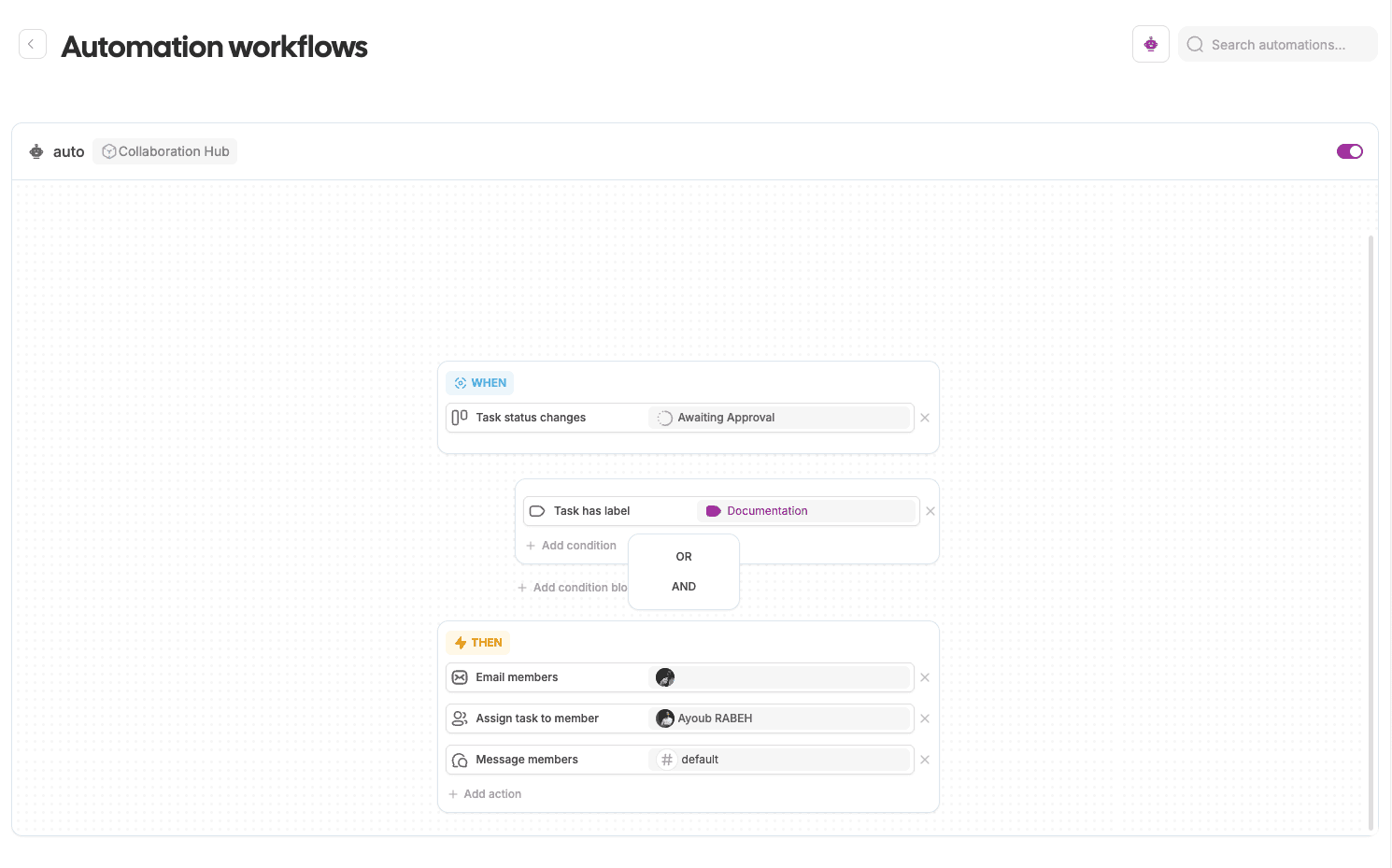
Automation & Workflow Builder
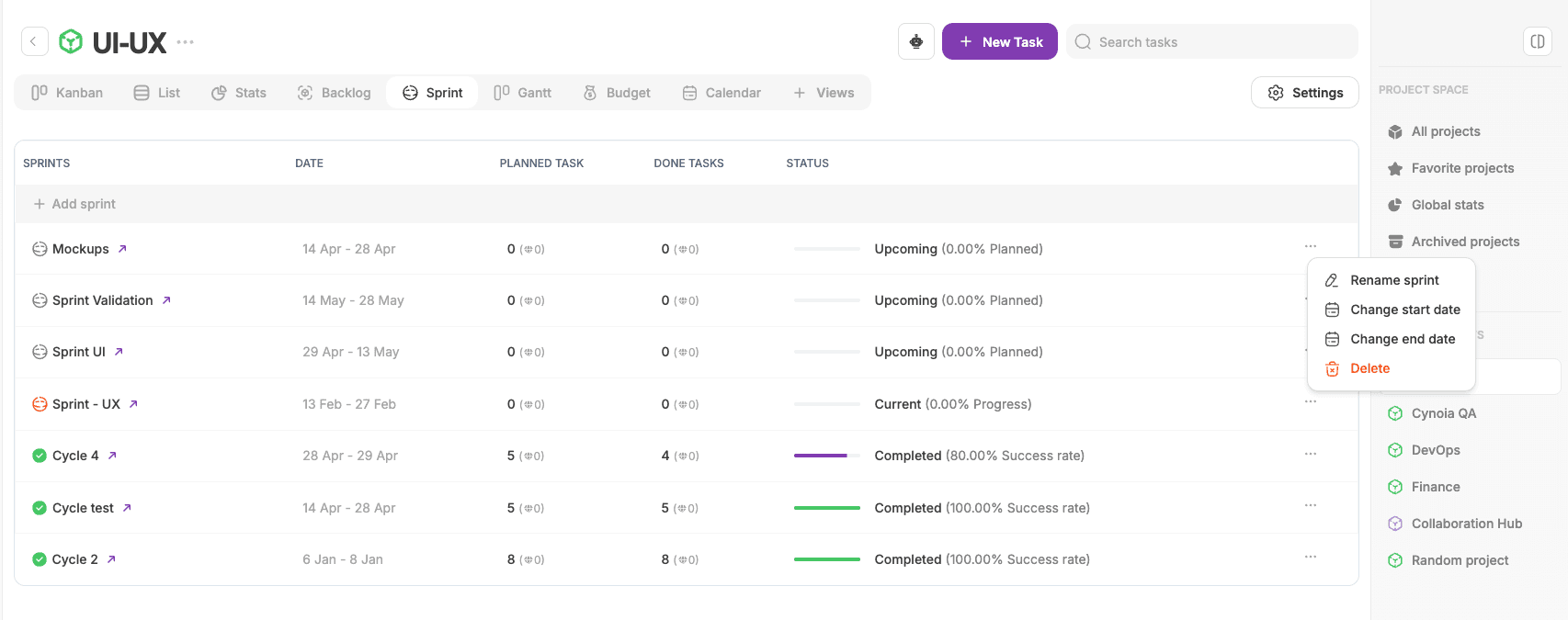
Streamline project management by automating repetitive tasks and building smart workflows:
Task Completion Notifications: Configure & get notified automatically when tasks are completed across all projects.
Condition-Based Workflows: Trigger actions based on specific conditions and status.
Workflow Builder Interface: A user-friendly visual interface to create and manage automations.
Customizable Actions: Define custom actions to fit your team’s unique processes.
Integrated with Existing Features: Fully compatible with tasks, notifications, and more.
Enhanced File Preview
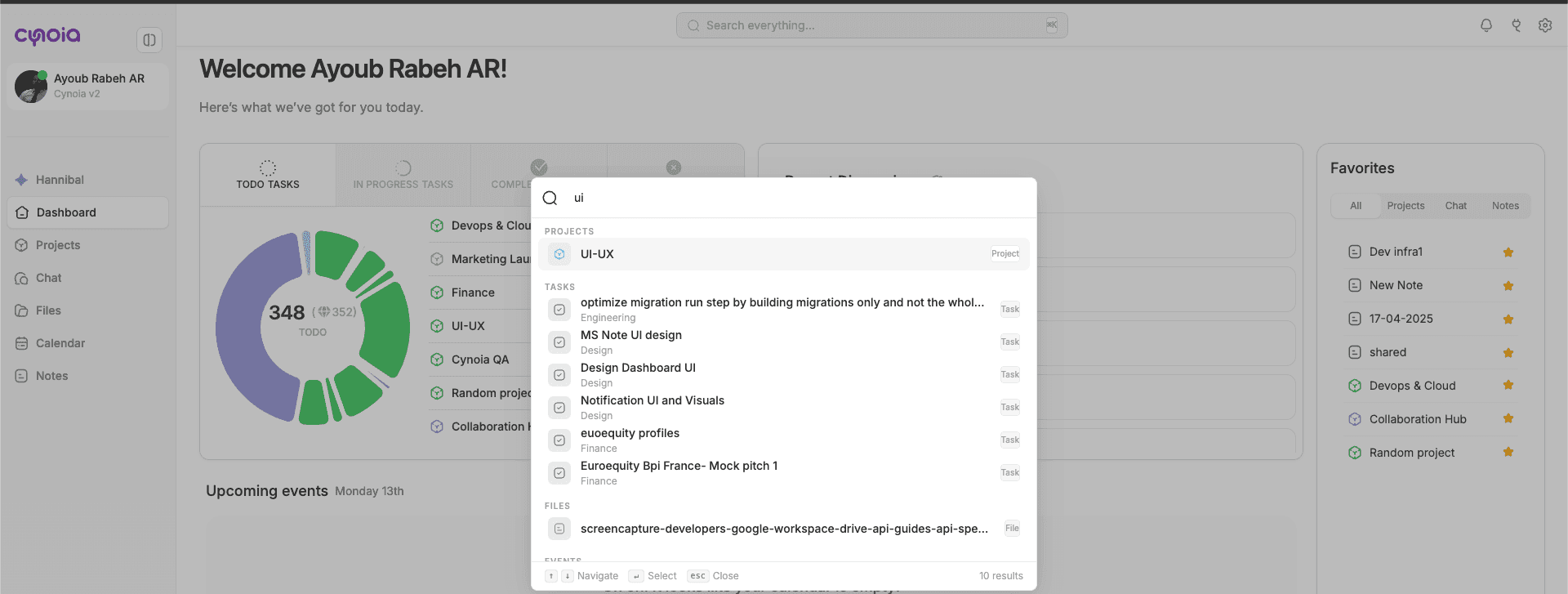
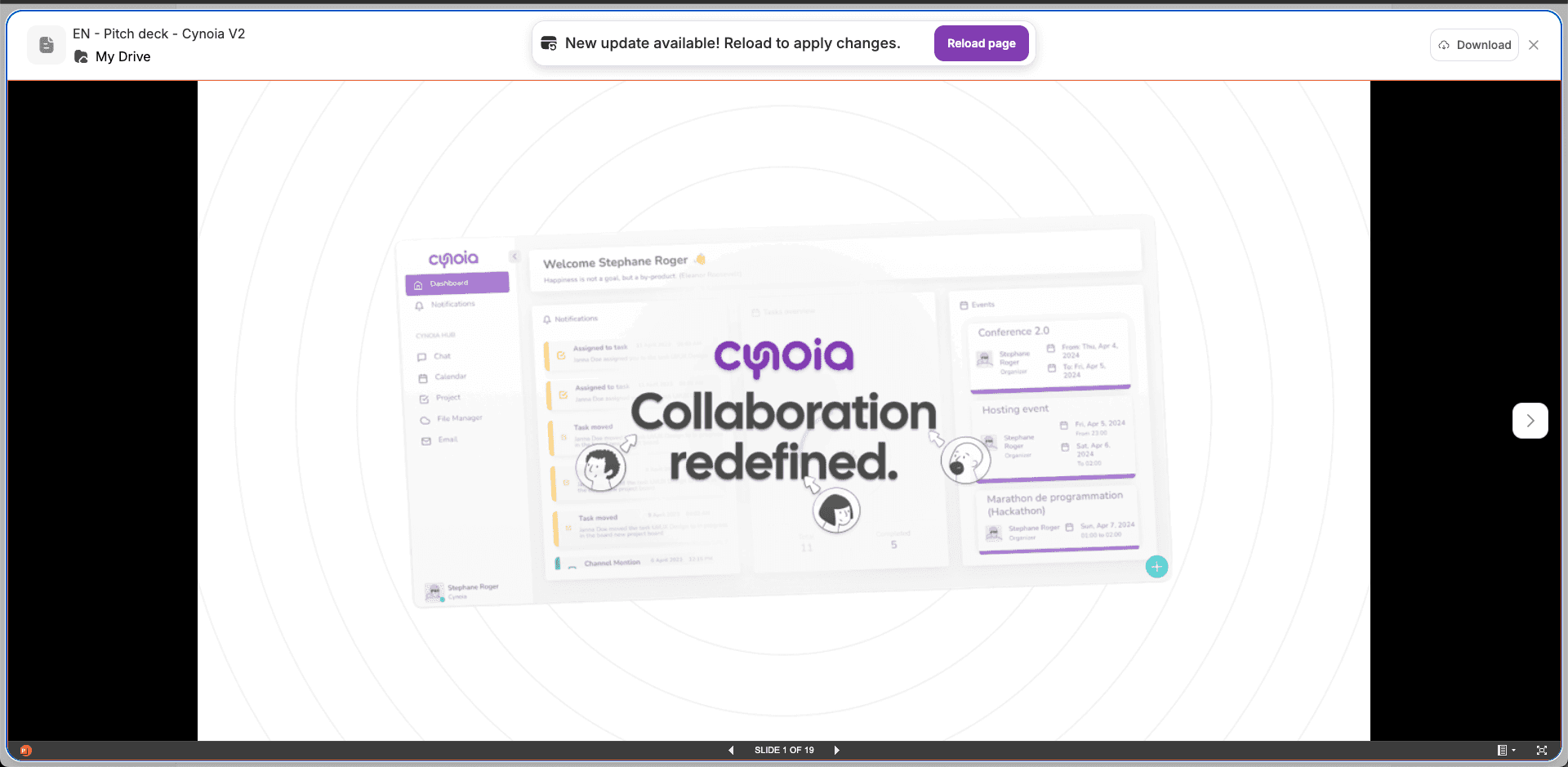
You can now preview files directly in Cynoia, including:
PDFs, Word Documents, Excel Files, and more.
New: Use keyboard arrows to navigate between files in preview mode

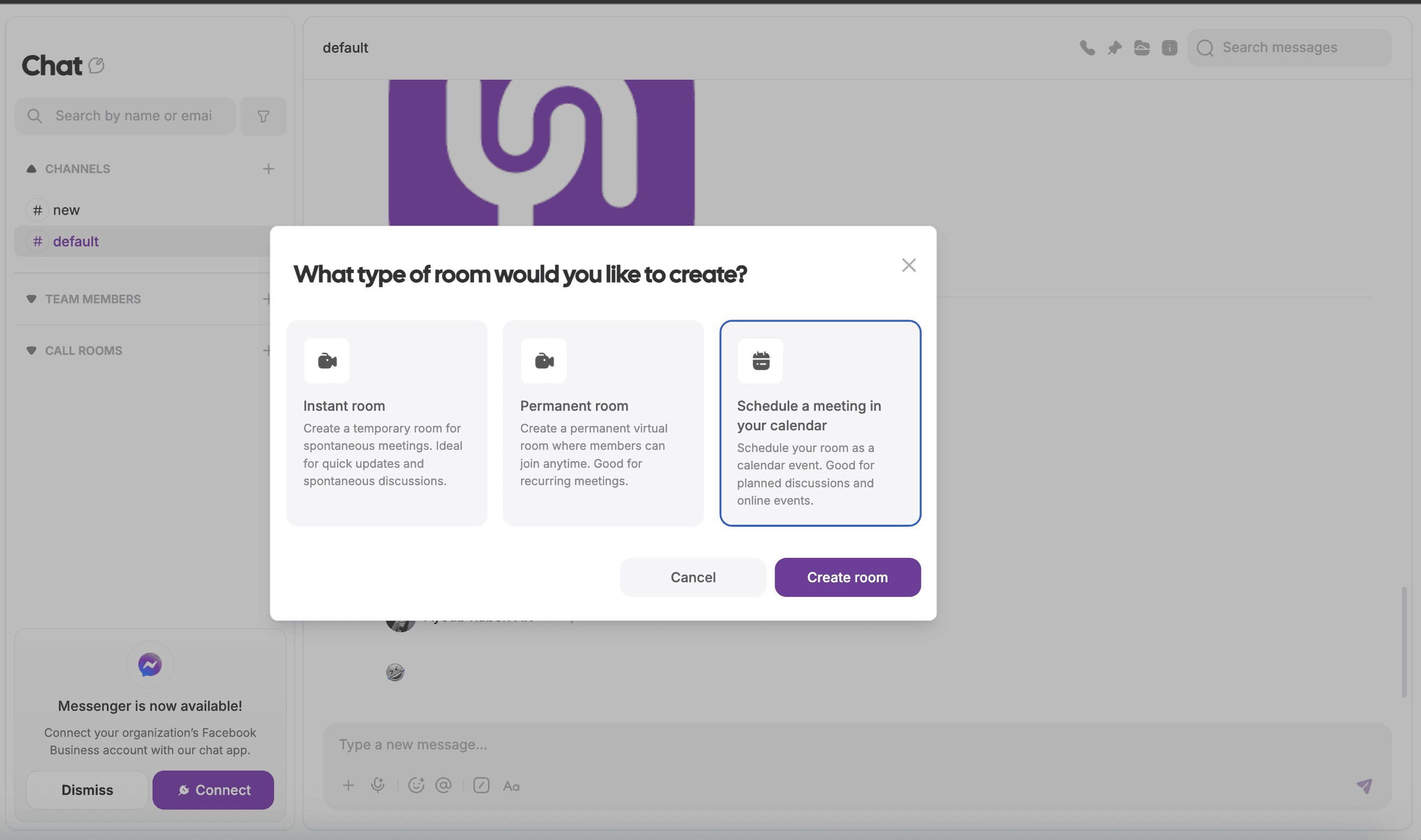
Calendar Integration from Chat
You can now schedule a call directly from the chat section, making it easier to move from discussion to action
🛠️
Fixes & Improvements
Fixed numerous visual and performance issues.
Resolved known and reported bugs to improve stability and user experience.
Recent articles:

V2.1.1 – Easier Imports, Better AI

2.1.0 - Smarter, Faster, and Now Powered by AI

2.0.9 - Better Performance, Smoother Collaboration

2.0.8 🚀 - Smarter Collaboration, Smoother Performance

2.0.7 🚀 Smarter, Faster, and More Secure

v2.0.5 Cynoia Just Got Smarter with Automations 🚀

2.0.6 📝 From Bugs to Brilliance: A Quality Update

V2.0.4 Get Organized Like Never Before !

V2.0.3 🎉 Discover New Heights with Our Latest Feature Updates!

V2.0.2 New updates, Enhancements, and Fixes

V2.0.1 - New Features, Enhancements, and Fixes

V2.0.0 Bug fixing + stabilizing
v2.0.5 Cynoia Just Got Smarter with Automations 🚀
Launches the new Automation & Workflow Builder to automate repetitive tasks, alongside enhanced file previews and a "schedule from chat" feature.
18 Aug 2025

New Features
Automation & Workflow Builder
Streamline project management by automating repetitive tasks and building smart workflows:
Task Completion Notifications: Configure & get notified automatically when tasks are completed across all projects.
Condition-Based Workflows: Trigger actions based on specific conditions and status.
Workflow Builder Interface: A user-friendly visual interface to create and manage automations.
Customizable Actions: Define custom actions to fit your team’s unique processes.
Integrated with Existing Features: Fully compatible with tasks, notifications, and more.

Enhanced File Preview
You can now preview files directly in Cynoia, including:
PDFs, Word Documents, Excel Files, and more.
New: Use keyboard arrows to navigate between files in preview mode

Calendar Integration from Chat
You can now schedule a call directly from the chat section, making it easier to move from discussion to action
🛠️
Fixes & Improvements
Fixed numerous visual and performance issues.
Resolved known and reported bugs to improve stability and user experience.
Recent articles:

V2.1.1 – Easier Imports, Better AI

2.1.0 - Smarter, Faster, and Now Powered by AI

2.0.9 - Better Performance, Smoother Collaboration

2.0.8 🚀 - Smarter Collaboration, Smoother Performance

2.0.7 🚀 Smarter, Faster, and More Secure

v2.0.5 Cynoia Just Got Smarter with Automations 🚀

2.0.6 📝 From Bugs to Brilliance: A Quality Update

V2.0.4 Get Organized Like Never Before !

V2.0.3 🎉 Discover New Heights with Our Latest Feature Updates!

V2.0.2 New updates, Enhancements, and Fixes

V2.0.1 - New Features, Enhancements, and Fixes

V2.0.0 Bug fixing + stabilizing
v2.0.5 Cynoia Just Got Smarter with Automations 🚀
Launches the new Automation & Workflow Builder to automate repetitive tasks, alongside enhanced file previews and a "schedule from chat" feature.
18 Aug 2025

New Features
Automation & Workflow Builder
Streamline project management by automating repetitive tasks and building smart workflows:
Task Completion Notifications: Configure & get notified automatically when tasks are completed across all projects.
Condition-Based Workflows: Trigger actions based on specific conditions and status.
Workflow Builder Interface: A user-friendly visual interface to create and manage automations.
Customizable Actions: Define custom actions to fit your team’s unique processes.
Integrated with Existing Features: Fully compatible with tasks, notifications, and more.
Enhanced File Preview
You can now preview files directly in Cynoia, including:
PDFs, Word Documents, Excel Files, and more.
New: Use keyboard arrows to navigate between files in preview mode

Calendar Integration from Chat
You can now schedule a call directly from the chat section, making it easier to move from discussion to action
🛠️
Fixes & Improvements
Fixed numerous visual and performance issues.
Resolved known and reported bugs to improve stability and user experience.
Recent articles:

V2.1.1 – Easier Imports, Better AI

2.1.0 - Smarter, Faster, and Now Powered by AI

2.0.9 - Better Performance, Smoother Collaboration

2.0.8 🚀 - Smarter Collaboration, Smoother Performance

2.0.7 🚀 Smarter, Faster, and More Secure

v2.0.5 Cynoia Just Got Smarter with Automations 🚀

2.0.6 📝 From Bugs to Brilliance: A Quality Update

V2.0.4 Get Organized Like Never Before !

V2.0.3 🎉 Discover New Heights with Our Latest Feature Updates!

V2.0.2 New updates, Enhancements, and Fixes

V2.0.1 - New Features, Enhancements, and Fixes

V2.0.0 Bug fixing + stabilizing
Latest posts
Discover other posts in our blog
Simplify your projects today for free
No credit card · 14-day unlimited free trial · 10 free users forever
Simplify your projects today for free
No credit card · 14-day unlimited free trial · 10 free users forever
Simplify your projects today for free
No credit card · 14-day unlimited free trial · 10 free users forever