Cynoia team
Creating an Account
Written by : Cynoia team
Creating an Account
Getting started with Cynoia begins by creating your account. This allows you to access your workspace, collaborate with your team, and start managing projects.
Step 1: Visit the Sign-Up Page
Go to the Cynoia sign-up page:
Step 2: Choose Your Sign-Up Method
You can create your account using one of the following methods:
First & Last name
Email and password
And if you prefer a faster way to signup you can choose either:
Google account or Linkedin
Choose the option that works best for you.
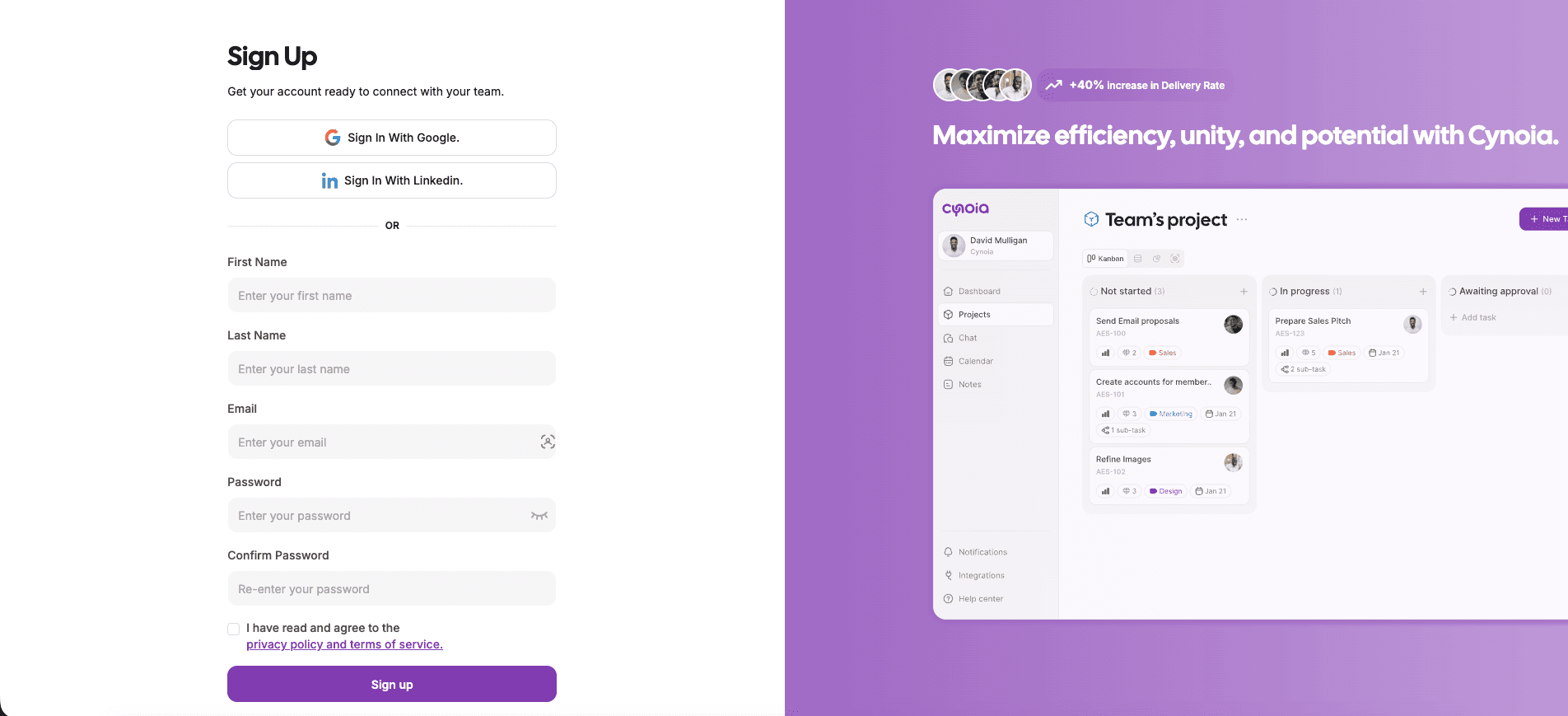
Step 3: Enter Your Account Details
If you choose email sign-up, you will be asked to provide:
First & last name
Email address
Password
Make sure your email address is valid, as it will be used for verification and notifications.
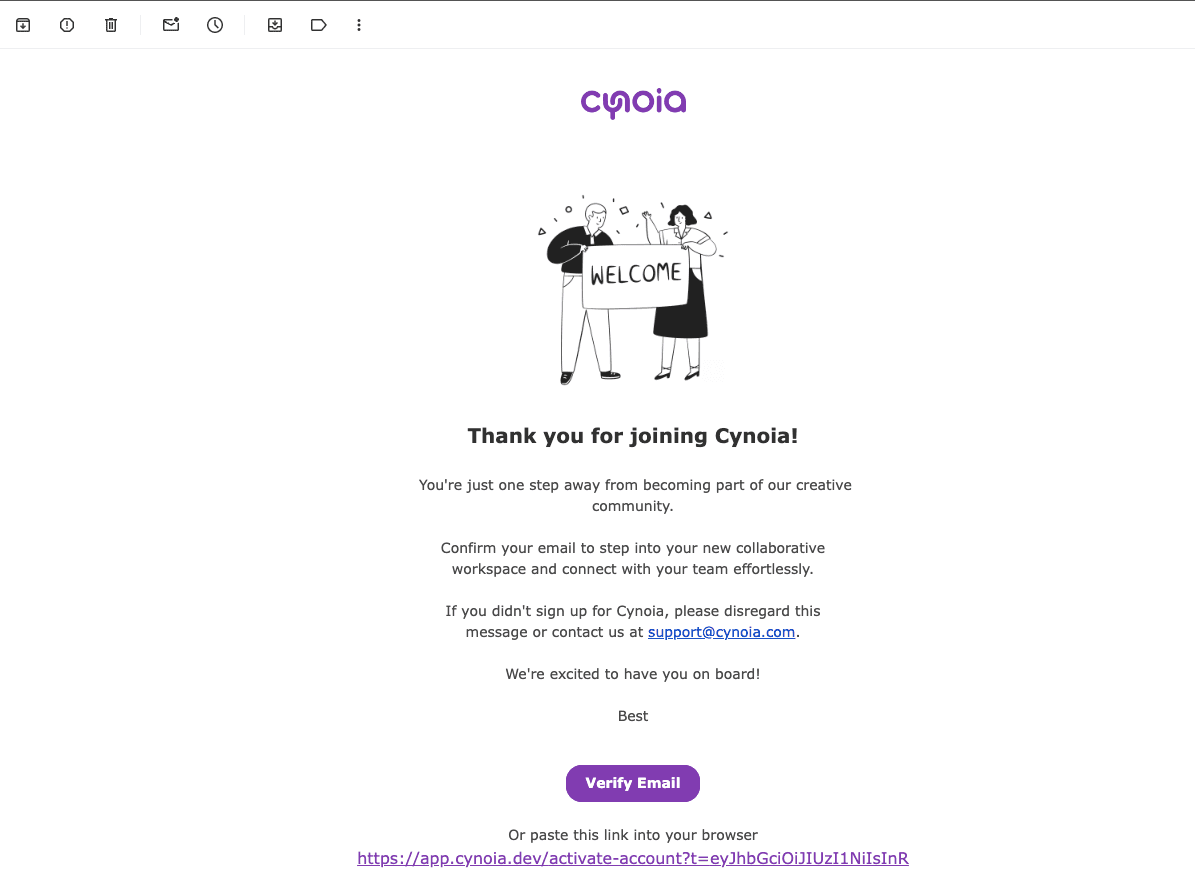
Step 4: Verify Your Email
After submitting your details ( if you did choose the classic signup )
Check your inbox for a verification email from Cynoia
Click the verification link to activate your account
If you don’t see the email, check your spam or junk folder.
Step 5: Complete Initial Setup
Once your account is verified, you will be guided through a short setup process to:
Create or join a workspace
Start using Cynoia features
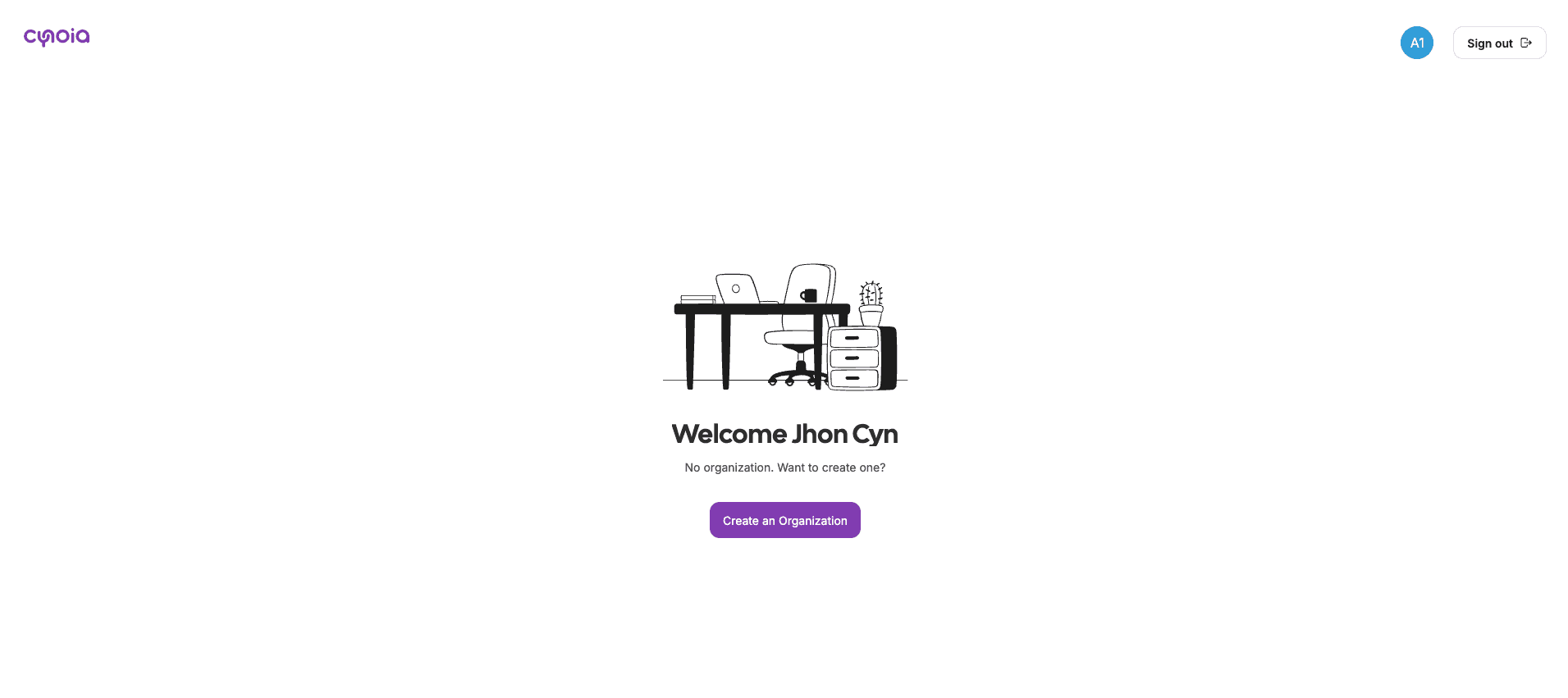
You’re now ready to begin!